

November 19, 2010
… and we're back! We've spent the last three months building projects, the next generation of CDD Collaborate.
Introduction
We built projects to help you do the following kinds of things:- Collaborate on live data: Colleagues at another institution will be running followup studies on your hit list, and you'd like them to upload the data they generate directly into your CDD Vault.
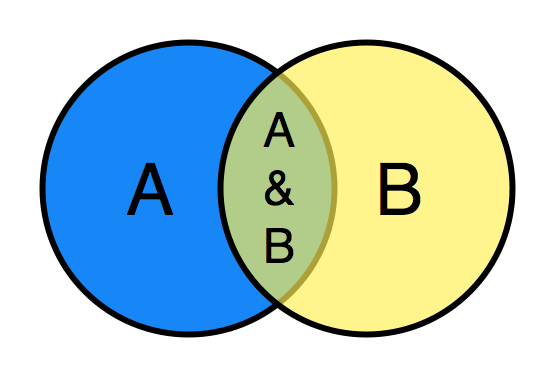
- Share data selectively: You only want your collaborators to see a specific hit list, not any other data in your vault.
- Organize your data: Focus only on the data you're currently working on, while still being able to search across all of your historical data when you need to.
- Keep data private until it's ready to share with your colleagues: Create a private project to store new compounds you're synthesizing, then share them with other projects when they are ready for testing.
Exploring Data
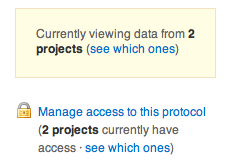
You will now see a project sidebar when exploring and searching data in CDD. Simply toggle the selected projects to filter what data is visible.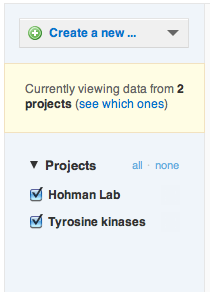
Managing projects
Anyone who can add data to a vault can create a project. To do this, click on the Manage Projects tab at the top and click “Create a new project”. After filling out the form with the name of the project, you'll be returned to the list of projects to add other Vault members to your project. Note that if you've made a mistake, you can still delete the project at this stage. Once you've added any data, however, deleting a project is disabled.Adding data to projects
Each time you create a new resource (protocol molecule, run, etc.) you are now asked to select an initial project to contain it.